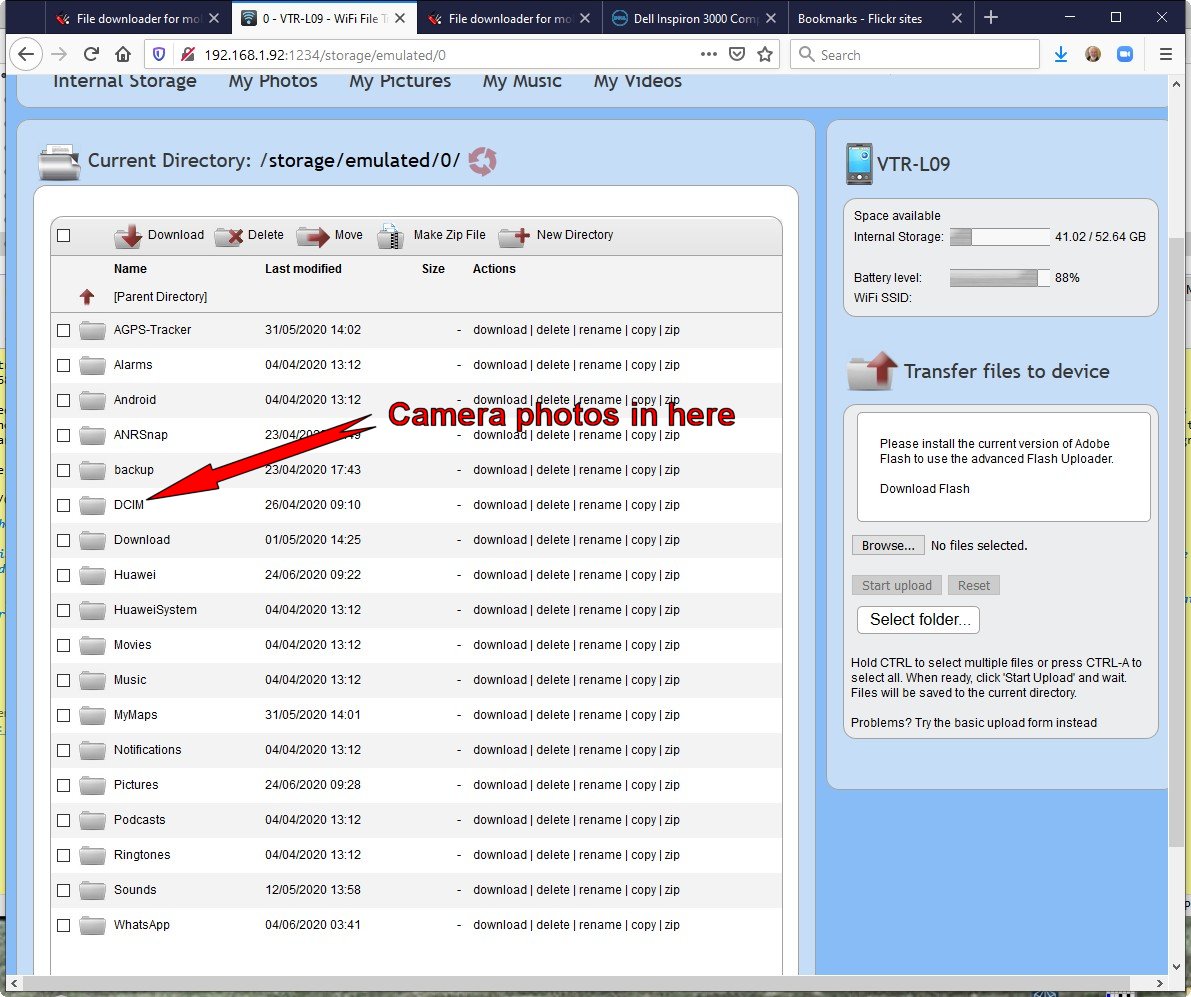
You can just type the required address
in the browser address box
(numbers only will work
e.g. 192.168.0.3:12340)
If you are lucky you may find a clickable link
in the table below
http://192.168.0.2:1234
http://192.168.0.3:1234
http://192.168.0.11:1234
http://192.168.0.16:1234
http://192.168.0.21:1234
http://192.168.0.51:1234
http://192.168.0.59:1234
http://192.168.0.60:1234
http://192.168.0.62:1234
http://192.168.1.3:1234
http://192.168.1.64:1234
http://192.168.1.69:1234
http://192.168.1.70:1234
http://192.168.1.72:1234
http://192.168.1.78:1234
http://192.168.1.82:1234
http://192.168.1.90:1234
http://192.168.1.100:1234
http://192.168.1.104:1234
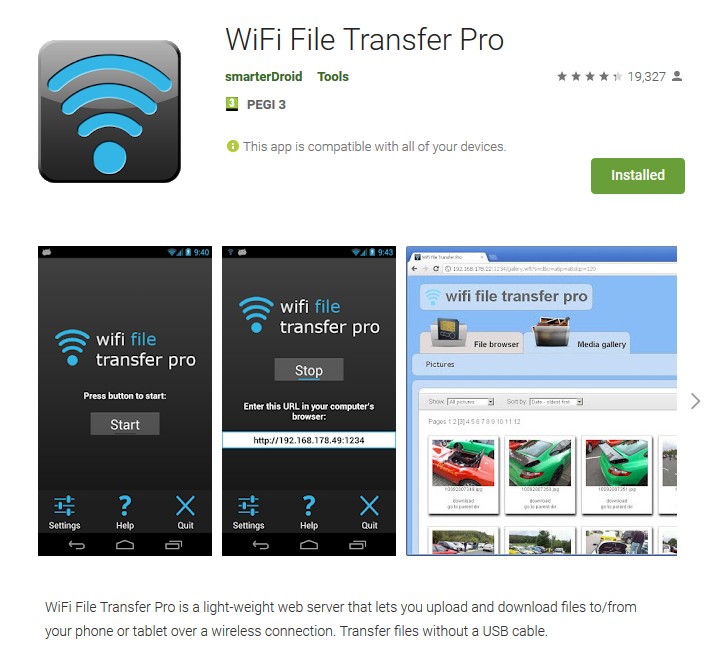
You must have the app installed on your phone
Beware of other apps using same/similar icon
Make sure you have smarterDroid app installed